Quick Navigation
The 6 Best YouTube Summarizer Apps in 2025
Looking to cut through the noise and get to the point of YouTube videos fast? These AI-powered summarizer apps deliver key takeaways in minutes. We’ve ranked the top 6 based on automation, ease of use, and summary quality—complete with feature breakdowns, pros, and cons.
Quick Comparison Overview
| Tool | Best For | Key Features | Price Range | Unique Advantage |
|---|---|---|---|---|
| CoreTube 🏆 | Power users & Content Curators |
|
$2.99-12/month | Hands-free automation |
| Eightify | Everyday YouTube fans |
|
$4.99-9.99/month | Lightning-fast delivery |
| VideoSummaryAI | Busy professionals |
|
$7-15/month | Chat-like interaction |
| TubeNotes | Students & Learners |
|
$5-18/month | Learning tools |
| Summarize.Tech | Casual viewers |
|
Free/Premium | Free entry tier |
| NoteGPT | Students & Researchers |
|
Free/Premium | Transcript integration |
🎯 Automation Level
- • High: CoreTube
- • Medium: Eightify, VideoSummaryAI
- • Basic: TubeNotes, Summarize.Tech, NoteGPT
💡 Integration Options
- • Most: TubeNotes (Notion, Quizlet)
- • Some: CoreTube, NoteGPT
- • None: Eightify, VideoSummaryAI, Summarize.Tech
⚡ Processing Speed
- • Fastest: Eightify, Summarize.Tech
- • Medium: CoreTube, VideoSummaryAI, NoteGPT
- • Variable: TubeNotes
🏆 1. CoreTube – Best for Automated Summaries
Main Features
- • Automatic channel tracking with smart filters
- • Email delivery of tailored summaries
- • Content type detection (shorts vs. long videos)
- • Adjustable summary length and style
- • Multi-video batch processing
- • Syncs with productivity tools
Strengths
- • Fully automated workflow
- • High-quality, context-aware summaries
- • Seamless email integration
- • Affordable pricing tiers
- • Free trial included
- • Yearly plans at steep discounts
Limitations
- • YouTube-only support
- • No free forever plan
- • 60-channel limit per account
- • Requires internet connection
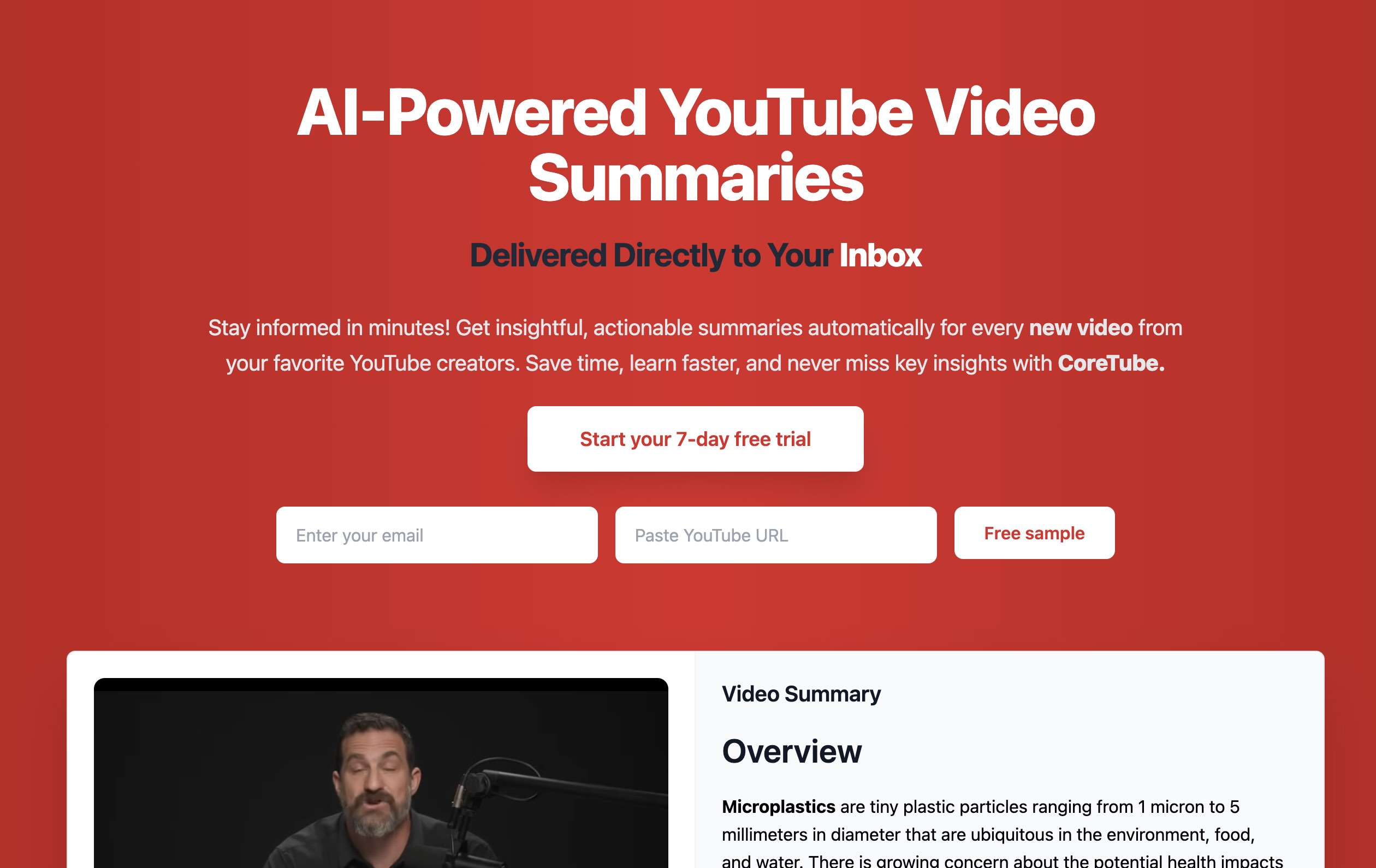
CoreTube takes the hassle out of staying updated. It tracks your favorite channels, filters content based on your preferences, and sends concise summaries straight to your inbox. Perfect for busy professionals or anyone juggling multiple subscriptions.
Its standout feature is the hands-free automation—set it up once, and it does the rest. While it’s limited to YouTube and lacks an offline mode, the time it saves and the quality of its summaries make it a top pick for power users.
2. Eightify – Best for Instant Summaries
Main Features
- • One-click summary generation
- • Multi-level insight extraction
- • Chrome extension compatibility
- • Adjustable summary formats
- • Key term highlighting
- • Timestamp navigation
Strengths
- • Top-notch summary clarity
- • Super-fast processing
- • Browser-friendly design
- • Flexible depth options
Limitations
- • No automation built-in
- • Limited to single-video use
- • Browser-only access
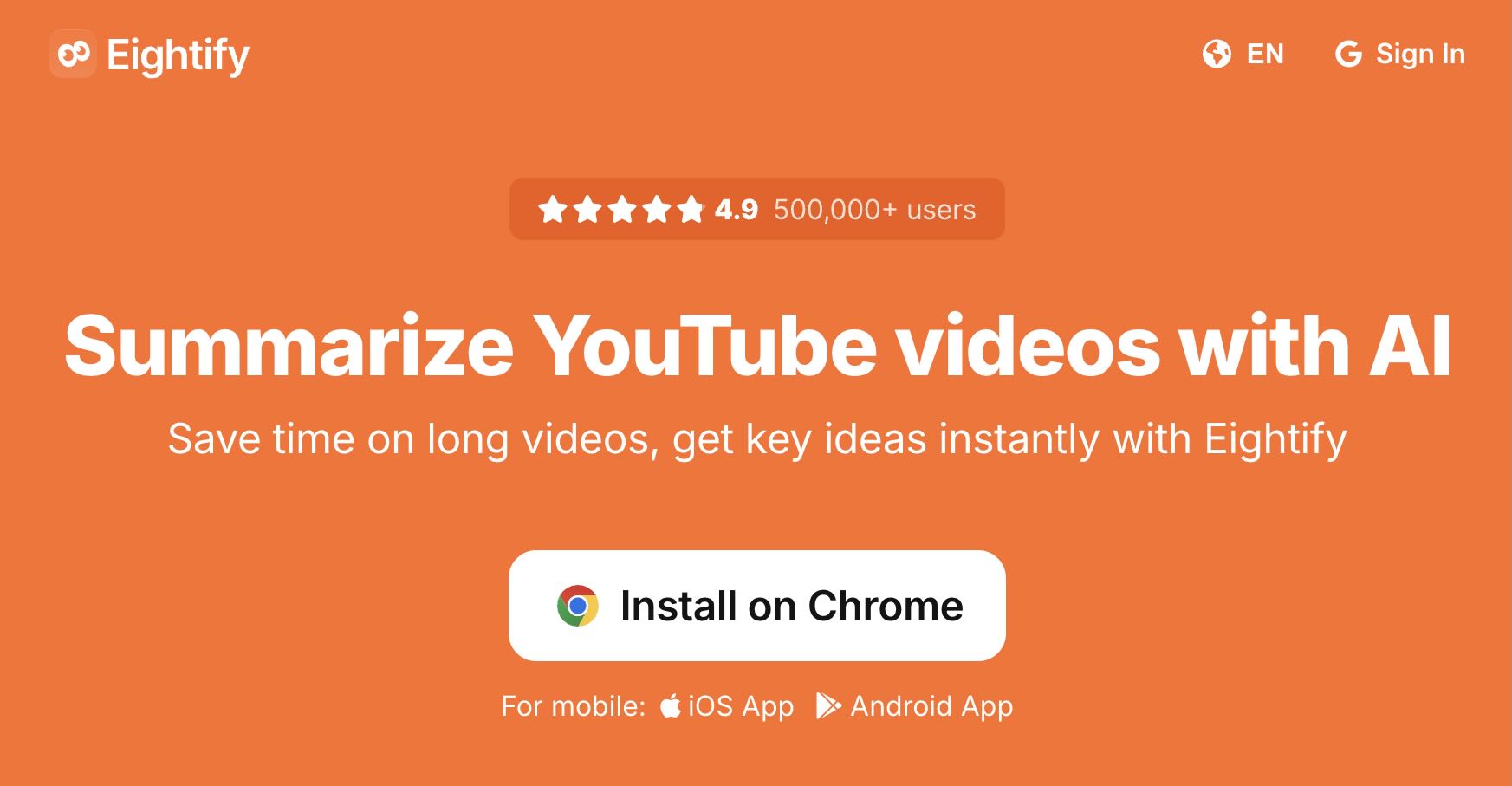
Eightify shines for users who want quick, clear summaries without the fuss. Its Chrome extension integrates seamlessly with YouTube, delivering insights in seconds. You can tweak the level of detail to suit your needs, from brief overviews to deeper dives.
It’s not automated, so you’ll need to trigger it manually, but its speed and quality make it a go-to for casual YouTube watchers who value efficiency.
3. VideoSummaryAI – Best for Conversational Summaries
Main Features
- • Conversational summaries
- • Audio-based insights
- • Quick processing
Strengths
- • Chat-like interaction with video content
- • Fast and concise summaries
- • Great for audio-driven insights
- • User-friendly interface
Limitations
- • Higher price point
- • Limited integrations
- • No free tier
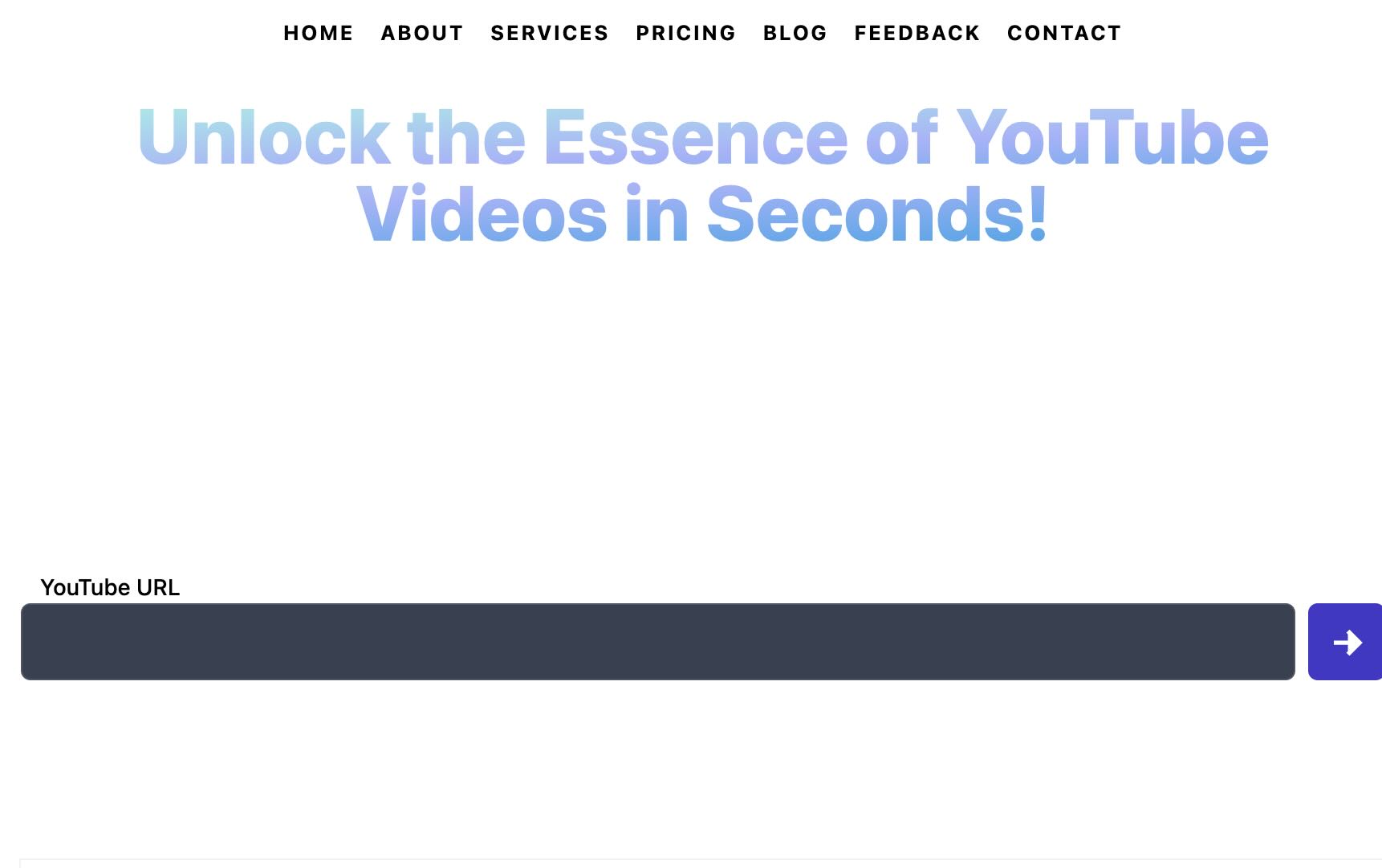
VideoSummaryAI stands out by offering conversational summaries, letting you interact with YouTube content like a chat. It’s perfect for professionals who need quick, audio-based insights without watching entire videos.
While it comes with a higher cost and fewer integrations, its unique chat-like approach and speedy processing make it a valuable tool for busy users seeking efficient video breakdowns.
4. TubeNotes – Best for Learning & Study
Main Features
- • Summaries optimized for study
- • Flashcard generation
- • Quiz creation tools
- • Notion and Quizlet sync
- • Highlight key concepts
Strengths
- • Tailored for learners
- • Robust export options
- • Interactive study tools
- • Great for long lectures
Limitations
- • Slower processing
- • Complex setup for beginners
- • No automation
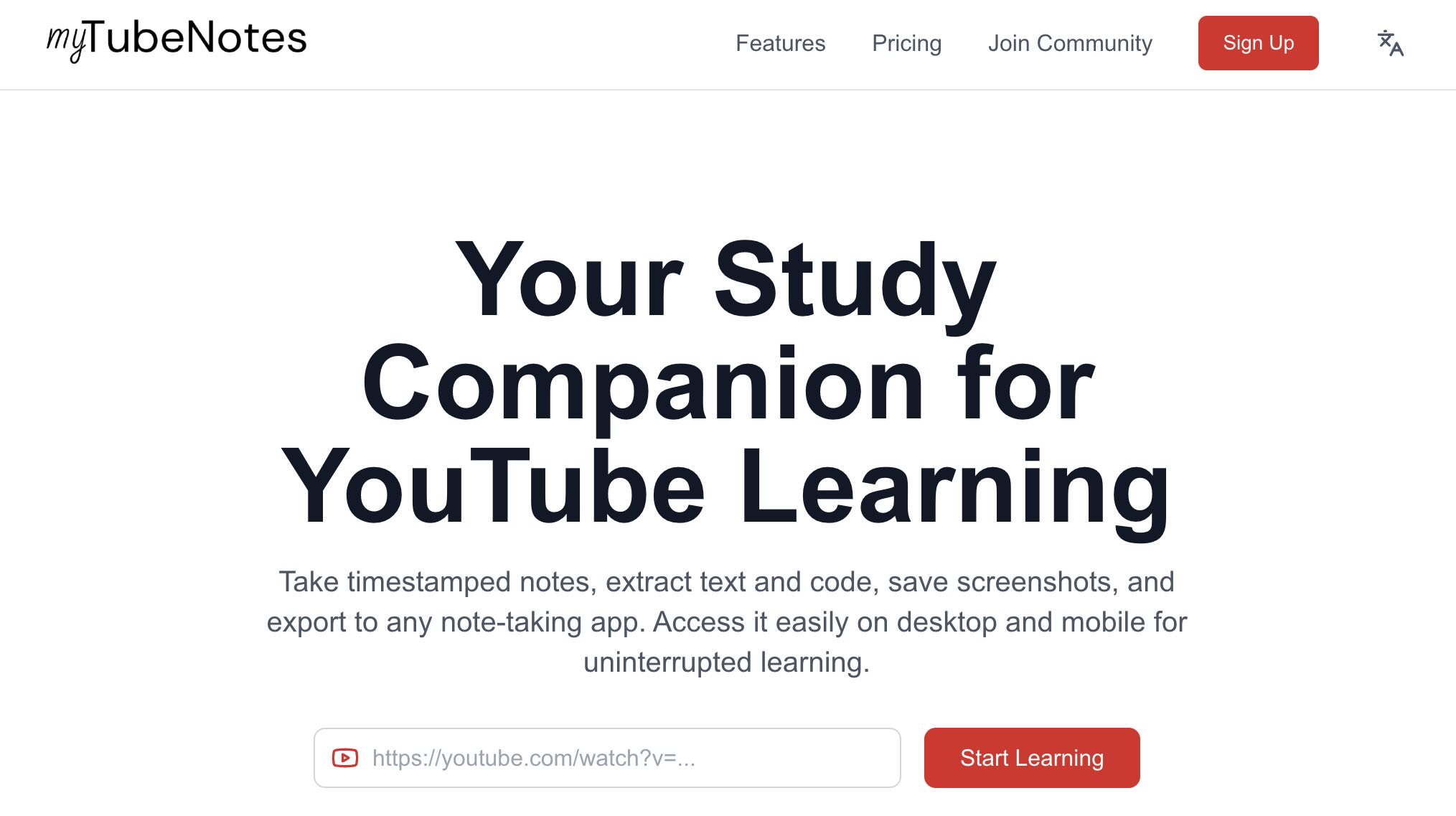
TubeNotes turns YouTube videos into a student’s dream tool. It not only summarizes but also creates flashcards and quizzes, syncing effortlessly with platforms like Notion. It’s perfect for tackling educational content or long tutorials.
The downside is a slower pace and a slight learning curve, but for students or lifelong learners, the added study features are worth it.
5. Summarize.Tech – Best Free Option
Main Features
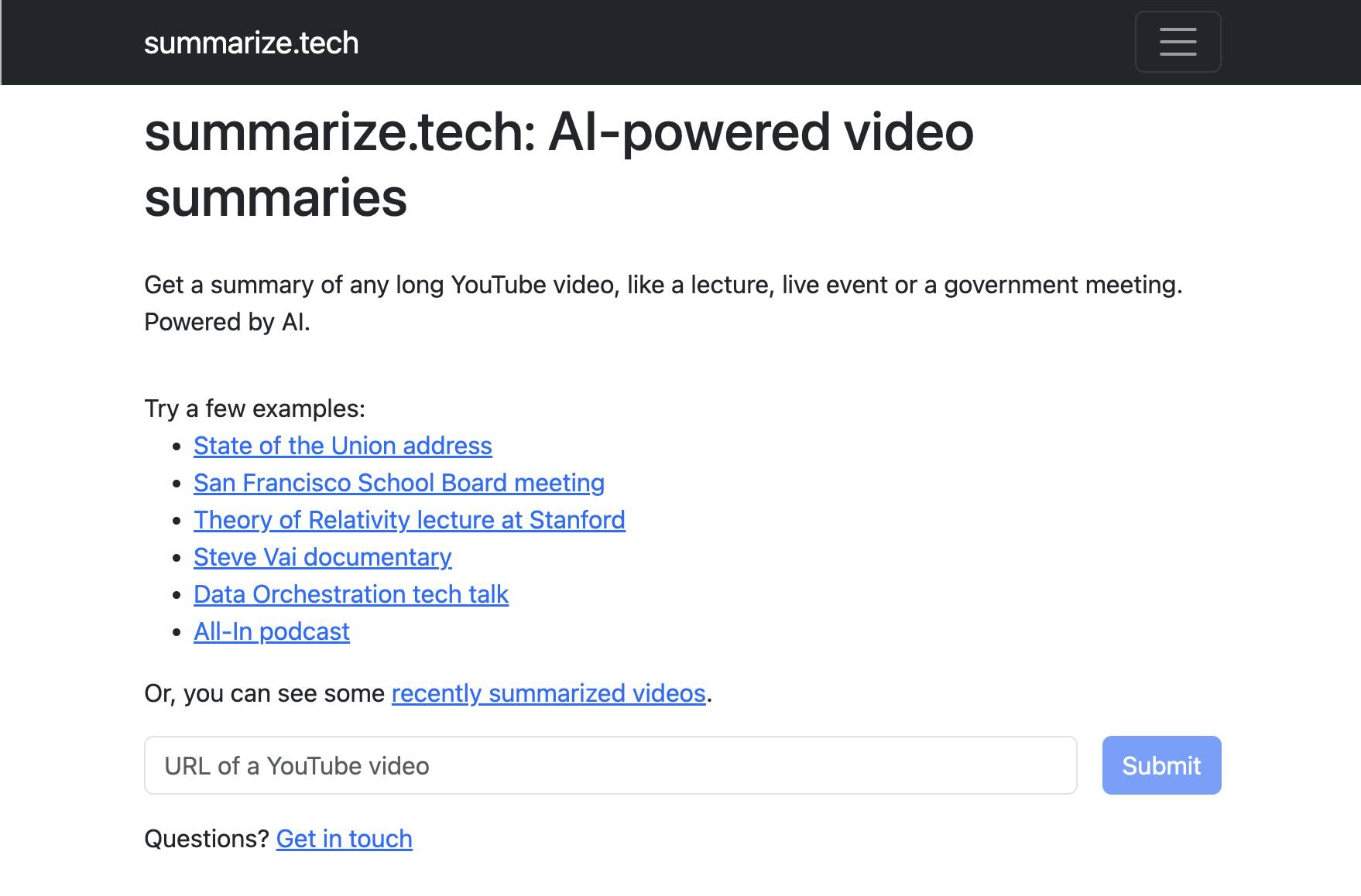
- • Free, no-login summaries
- • Basic key point extraction
- • Adjustable summary length
- • Easy URL input
- • Fast mobile access
Strengths
- • Totally free basic plan
- • No signup needed
- • Quick and simple
- • Cross-device support
Limitations
- • Limited depth
- • No customization
- • No history tracking
Summarize.Tech keeps it simple and free, offering quick summaries without any barriers. Paste a URL, get the gist—it’s that easy. It’s a great starting point for casual users who don’t need bells and whistles.
Don’t expect advanced features or deep insights, but for zero cost and instant access, it’s hard to beat.
6. NoteGPT – Best for Transcript-Enhanced Summaries
Main Features
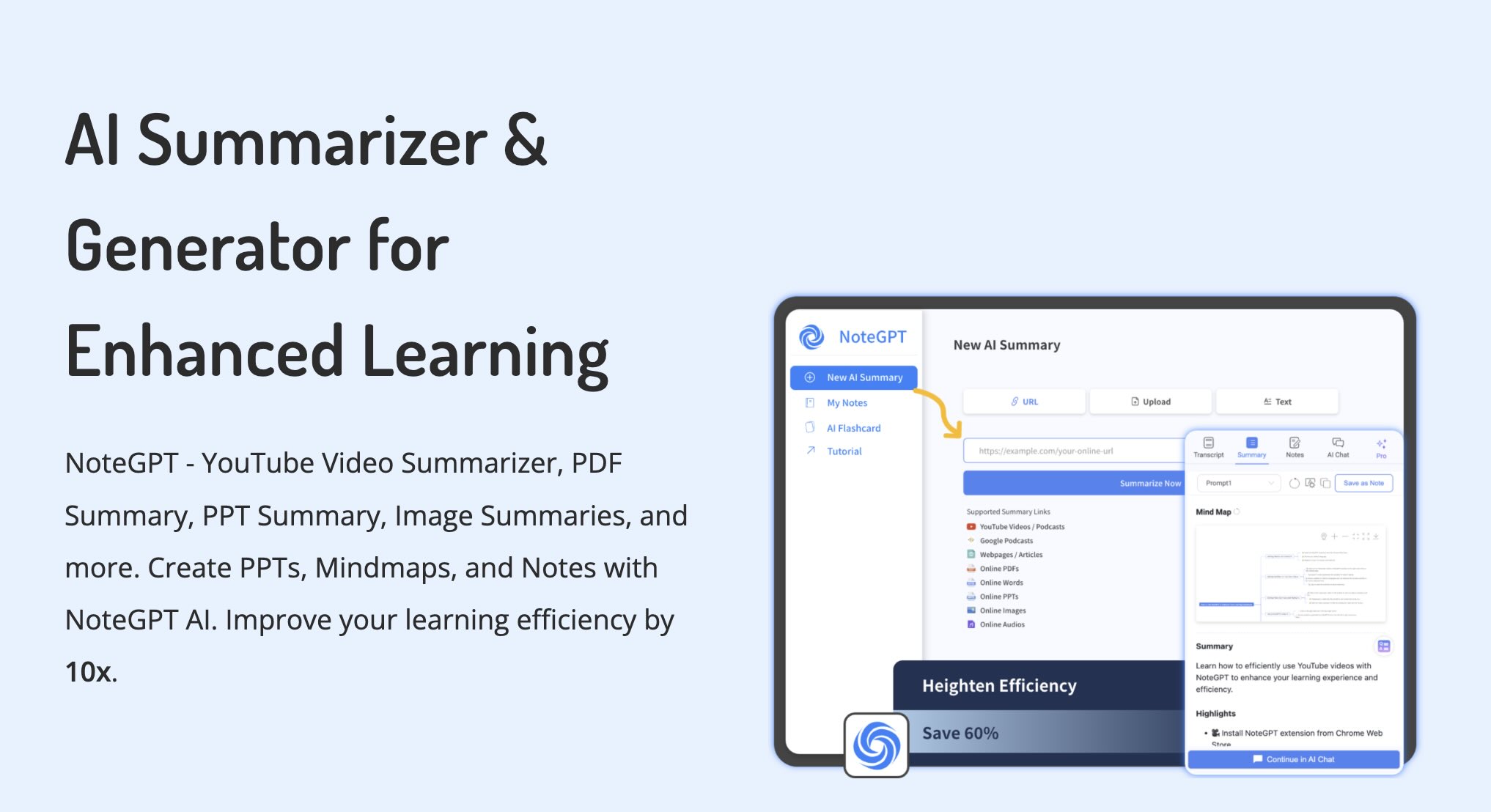
- • AI-powered summaries
- • Transcript generation
- • Customizable length
Strengths
- • Free tier with transcripts
- • High-quality AI summaries
- • Flexible summary options
- • Great for research
Limitations
- • Premium features require payment
- • Basic free plan limits
- • No offline mode
NoteGPT combines AI-powered summaries with transcript generation, making it a favorite for students and researchers. Paste a YouTube URL, and it delivers concise summaries alongside full transcripts for deeper analysis.
While the free tier is robust, some advanced features require a premium plan, and it lacks offline capabilities. Still, its transcript integration sets it apart for detailed video breakdowns.
Final Verdict
Each of these tools shines in its own way. CoreTube leads with automation for power users. Eightify nails speed and simplicity. VideoSummaryAI excels at conversational summaries, while TubeNotes is a student’s best friend. Summarize.Tech offers a free, no-frills option, and NoteGPT enhances learning with transcripts.
Pick based on what matters most to you—automation, cost, learning tools, or transcript support—and you’ll find a perfect fit among these six.